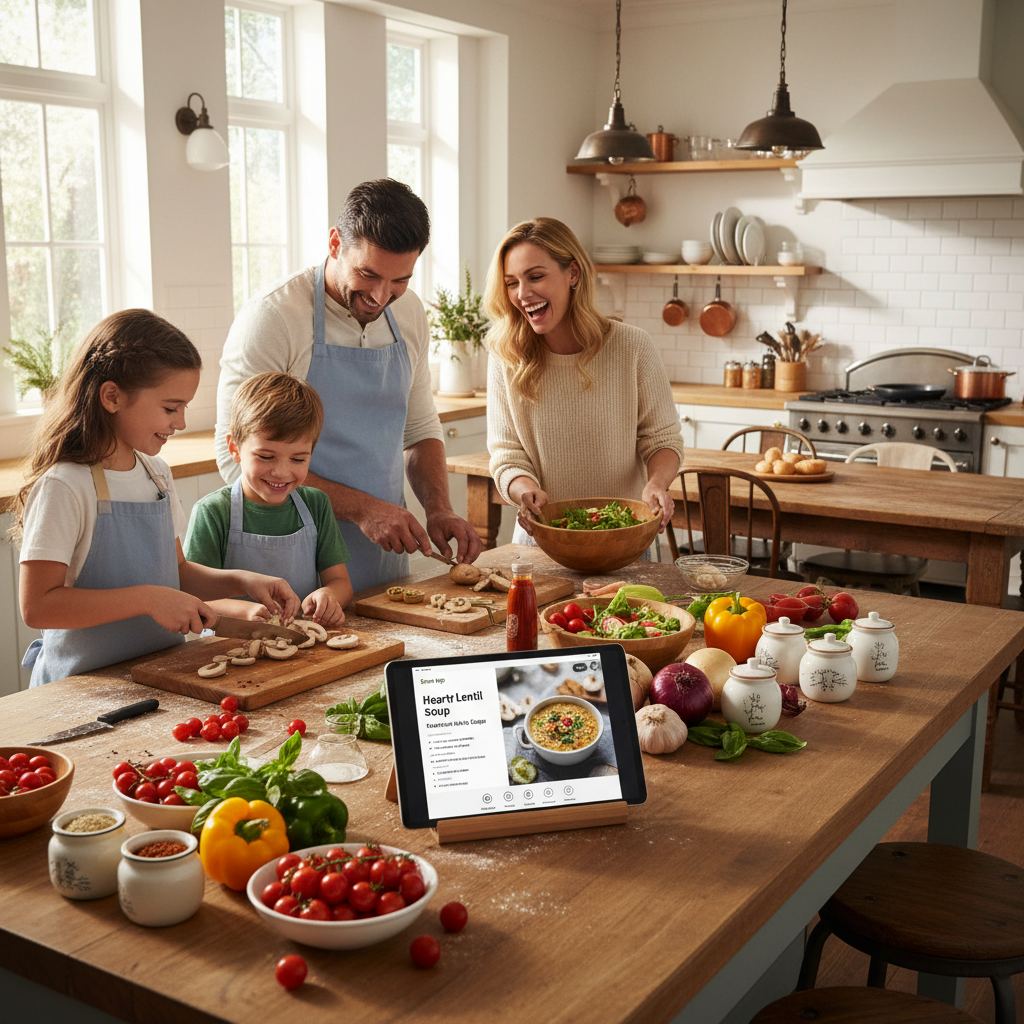
Discover Delicious Recipes with the Ingredients You Have at Home
In the hustle and bustle of everyday life, having a quick and easy way to plan meals can be a lifesaver for busy parents. Imagine looking at the ingredients in your pantry and having a whole world of recipes at your fingertips. That's exactly what Bean offers—transforming mealtime into a simple and enjoyable experience.
How Bean Works
Bean empowers you to input the ingredients you already have and instantly suggests delicious recipes you can make. It's like having a personal chef right in your kitchen, helping you create nutritious meals for your family without the stress.
Hands-Free Cooking Experience
Cooking with kids around can be chaotic, but Bean makes it easier with its hands-free feature that reads recipe steps out loud. This means you can keep an eye on your little ones while still whipping up a healthy dinner.
Benefits of Using Bean
- Save time by avoiding unnecessary trips to the grocery store.
- Reduce food waste by using what you already have at home.
- Discover new recipes that fit your family's taste preferences.
- Keep meal planning stress-free and fun.
Practical Tips for Getting Started
To make the most out of Bean, here are some practical tips:
- Regularly update your pantry inventory in the app to get the most accurate recipe suggestions.
- Try new ingredients occasionally to expand your family's palate.
- Plan your meals for the week using Bean to ensure balanced nutrition.
- Involve your children in the meal selection process to make cooking a family activity.
Frequently Asked Questions
Can Bean accommodate dietary restrictions?
Yes, Bean allows you to filter recipes based on dietary needs such as gluten-free, vegetarian, or nut-free options.
How often should I update my ingredients list?
It's a good practice to update your ingredients list weekly or after grocery shopping to keep it current.
Does Bean offer nutritional information?
Yes, Bean provides detailed nutritional information for each recipe, helping you make informed dietary choices.
Can I save my favorite recipes?
Absolutely! Bean allows you to save and categorize your favorite recipes for easy access.
Is Bean available on all devices?
Yes, Bean is available for download on both iOS and Android devices, making it accessible for all users.
Ready to revolutionize your meal planning? Download Bean today and explore the endless possibilities of home-cooked meals that your family will love. Sign up for our newsletter to receive weekly recipe inspiration and tips!